

Search Metrifly with the command palette
The command palette lets you jump straight to any portfolio, holding, ticker, or transaction without clicking through the sidebar. By the end of this, you’ll be navigating Metrifly from the keyboard.
Open search
Section titled “Open search”- Press ⌘K (Mac) or Ctrl+K (Windows), or
- Click Search holdings, trades… in the top bar.
The dialog placeholder reads Search holdings, trades, portfolios…
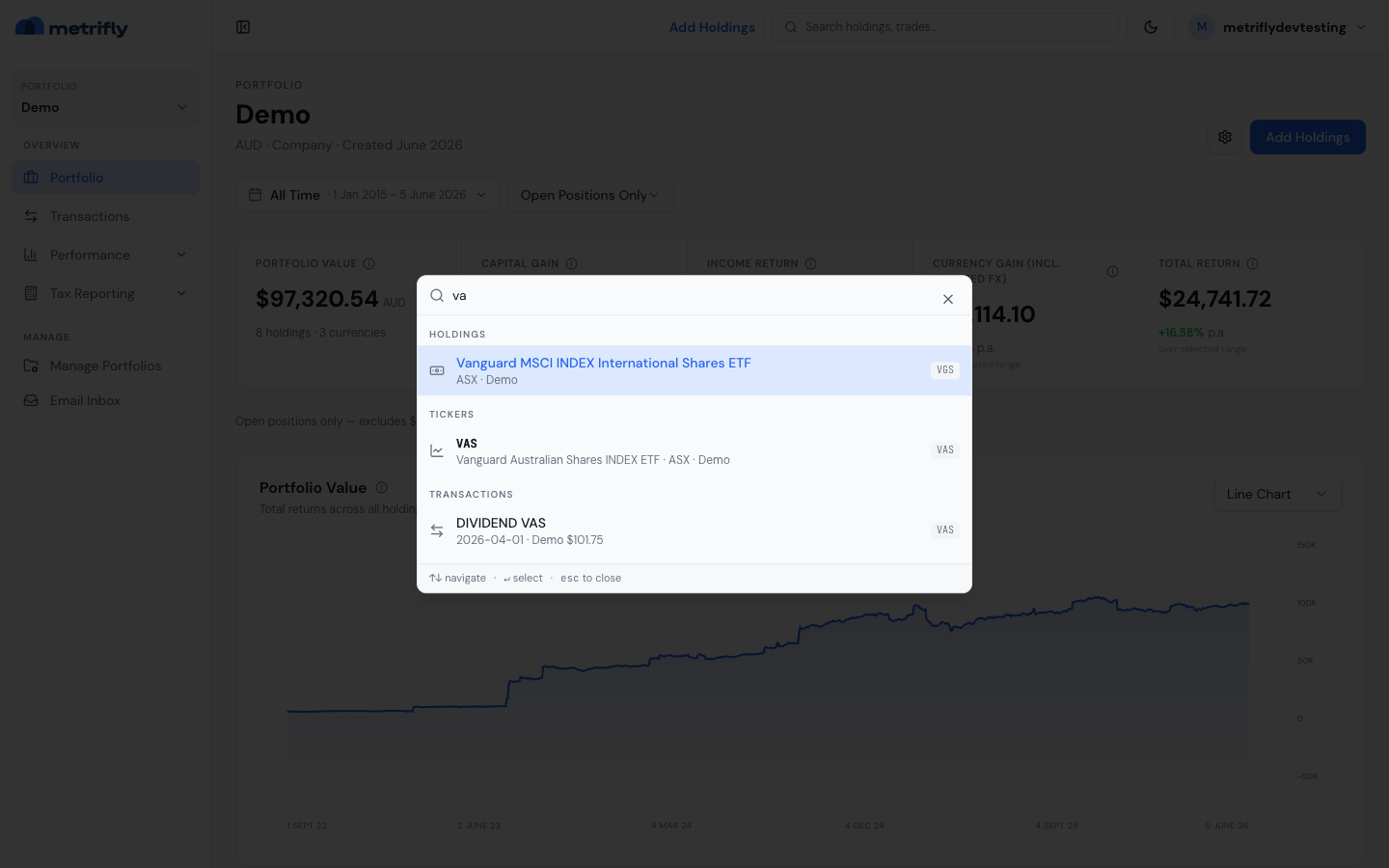
Read the results
Section titled “Read the results”Results are grouped into Portfolios, Holdings, Tickers, and Transactions, and update as you type (after a brief pause).
| Key | What it does |
|---|---|
| ↑ / ↓ | Move the selection |
| Enter | Open the selected result |
| Esc | Close the palette |
Troubleshooting
Section titled “Troubleshooting”| Problem | Fix |
|---|---|
| No results | Check your spelling, or try the ticker symbol. |
| The shortcut doesn’t open it | Use the top-bar search — some browser extensions capture ⌘K. |
| Too many matches | Type a few more characters to narrow it down. |